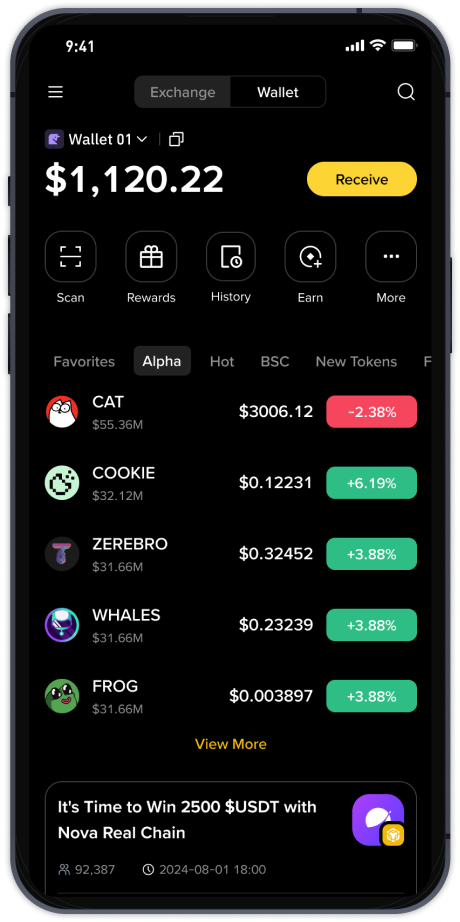
How to Withdraw Funds from Binance & OKX: Step-by-Step Guide (2025 Update)

Withdrawing funds from Binance or OKX is a routine process for any cryptocurrency trader, but first-time users often find the interface confusing. This guide provides a clear, step-by-step breakdown of how to cash out or transfer digital assets from both exchanges, ensuring your funds reach your wallet or bank account securely.
1. Logging In and Security Check
Before any withdrawal, always ensure your account is secure. Log in to your Binance or OKX account. If you have not yet enabled Two-Factor Authentication (2FA), do so immediately via Google Authenticator or SMS. Both exchanges will require 2FA verification before processing any withdrawal request.
2. Navigating to the Withdrawal Section
On Binance, hover over “Wallet” in the top menu and select “Fiat and Spot.” On OKX, click on “Assets” and then “Overview.” On both platforms, you will find a “Withdraw” button—click it to proceed.
3. Selecting Your Asset and Network
Choose the cryptocurrency you wish to withdraw (e.g., USDT, BTC, ETH). This is a critical step: you must select the correct withdrawal network (e.g., ERC20, BEP20, TRC20). For example, if your receiving wallet uses the BNB Smart Chain (BEP20), do not select Ethereum (ERC20) or your funds may be lost. Always double-check the network compatibility with your destination address.
4. Entering the Withdrawal Address
Paste your external wallet address into the “Address” field. For security, Binance and OKX allow you to save and whitelist addresses. If you are withdrawing to a bank account (via fiat), you will need to link your bank details. For crypto-to-fiat withdrawals (e.g., selling USDT for USD and transferring to a bank), Binance uses “P2P Trading” or “Bank Deposit” options, while OKX offers “Buy Crypto” with a “Withdraw Fiat” function.
5. Setting the Amount and Fees
Enter the amount you wish to withdraw. Both exchanges display the network fee (gas fee) and the minimum withdrawal limit. Note that fees vary by coin and network. For example, withdrawing TRC20 USDT usually has a lower fee than ERC20. Confirm the fee before clicking the final button.
6. Final Verification
After clicking “Submit,” you will receive a confirmation email or SMS. You may also need to enter your 2FA code again. Binance and OKX often have a 24-hour address whitelist delay for new addresses, so plan ahead if adding a new wallet.
7. Tracking Your Withdrawal
Once submitted, you can view the transaction status under “Withdrawal History.” A “Completed” status means the network has confirmed the transaction. For fiat withdrawals, processing time can take 1-5 business days depending on your bank.
Common Issues & Solutions
- Pending withdrawal: Check if you have sufficient funds for the fee. Also, ensure your address is whitelisted.
- Wrong network: If you mistakenly selected the wrong network, contact customer support immediately. However, recovery is not always guaranteed.
- Withdrawal limit exceeded: Both exchanges have daily withdrawal limits. For large amounts, you may need to complete advanced KYC verification.
Pro Tip for Speed and Low Fees
If you are moving funds between your own wallets, consider using the BEP20 or TRC20 network instead of ERC20. These are faster and significantly cheaper. Always test with a small amount first when using a new address or network.
Ultimately, the withdrawal process on Binance and OKX is designed to be user-friendly, but attention to detail—especially regarding network selection and address accuracy—is essential. Follow these steps, and you will be able to move your funds safely and efficiently.